
NTI FOR VAULT Client
- Professional
- Office
Simplify your data management, empower collaboration, and eliminate errors
NTI FOR Vault Client is an advanced plugin for manufacturing companies, extending the functionality of Autodesk Vault Professional. The add-in is designed to provide stronger control and high data quality on lifecycle state changes across engineering, production, and purchasing.
With NTI FOR VAULT Client, you can easily manage and organise product and project data, files, and documentation, improving transparency and productivity while reducing errors and rework. You will experience a level of efficiency and control like never before, helping you keep track of and manage changes in engineering data.
Take your documentation process to the next level with NTI FOR VAULT Client’s clear documentation overview, version tracking, email notifications and one-click exporting of release deliverables.
Increase productivity and collaboration

Reduce manual tasks, increase transparency and streamline teamwork, so your team spends less time on repetitive work or searching for the right file version. Enjoy a clear overview of changes to design representation files, quickly create updated deliverables with a right-click, and easily add watermark details to your documentation.
Streamline data management

Secure consistency and compliance in ways of working and organising project and product data for improved visibility and control across the organisation. Improve release management efficiency and documentation with version control and email notifications for key changes.
Trust your data quality

Ensure consistent, reliable project data for higher transparency and better decisions and outcomes. Keep track of the Inventor drawing statuses by showing affected and related drawings to control the impact of model change. Prevent lifecycle state changes on files and items by enforcing restrictions that ensure data meets release criteria.
Eliminate errors and rework

Ensure you always have the latest version of files and documents available in the correct state and place. Reduce the risk of errors and inconsistencies in documentation, preventing rework and costly delays. Rest assured that you always collect the correct and released data for deliverables for your organisation and suppliers.

One source of truth across your organisation
Managing product data in Autodesk Vault often means dealing with time-consuming file handling, complex revisions, and inconsistent CAD setups that lead to errors. Limited visibility and fragmented collaboration across teams and suppliers only add to the challenge, making it harder to maintain control and trust in your data.
NTI FOR VAULT Clients extend Autodesk Vault Professional to bring accuracy, consistency, and full control to your engineering workflows. The plugins simplify your data management, improve data quality and increase your productivity with built-in productivity tools, helping to eliminate errors and rework.
NTI FOR VAULT Client comes in two versions:
- NTI FOR VAULT Client – Professional is for professionals using Autodesk Vault Professional
- NTI FOR VAULT Client – Office is for professionals using Autodesk Vault Office
Whether you are a CAD user or an engineer managing design data and processes in Autodesk Vault Professional, or you use Autodesk Vault Office for managing documents and accessing data, these plugins help you to work more efficiently, save time and trust data.
6 key benefits of NTI FOR VAULT
NTI FOR VAULT Client helps you work faster and more efficiently in Vault with tools tailored to your workflows and needs. Below, you’ll find the features our users say make the biggest difference.
Clear and customised overview of property data

With the Data Card functionality, you can arrange and display properties for files and items inside Autodesk Vault Explorer on an additional tab. The data card can be designed and structured based on entity type and conditions, properties can be arranged in columns, and one or several sub-tabs can be created. You can also copy property values from one data card to another, and edit properties when settings allow this.
Enhanced control and data quality

Manage restrictions and guardrails via the Assign Item To File Action and Lifecycle Change Actions features for higher data quality and a consistent way of working. The Assign Item To File Action controls whether an item can be assigned to a file in Autodesk Vault Professional, and the Lifecycle Change Actions allow several actions to be added, each with conditions that prevent the item from changing lifecycle state based on different criteria.
Quick overview of impacted drawings and files

With tools like Drawing List, Uses I Where Used, and Uses Filter, you gain a complete overview of how changes are impacting drawings and the level of your documentation readiness. Uses Filter is designed to create customised filtered views for files and items, and easy collection of attached files. Via the Drawing List, keep track of engineering data changes to control the impact of model changes and export an Excel list of all drawings. With Uses I Where Used, you can create a customised view of all related items, files and attachments, including the Bill of Materials and projects.
Easy creation and sharing of files

With the Design Representation Collector and Drawing List Export, you can quickly collect and create the files you need for deliverables via right-clicking, such as merging PDFs and adding watermarks with product details and revision history.
Stay informed with automated notifications and reviews

Stay on top of important changes with the extended Email Notification features when a file's lifecycle state changes. Email notifications streamline engineering workflows by enabling file and item reviews, supporting release and approval processes, and facilitating lifecycle-driven communication while eliminating the need for manual emails. Email notifications can be combined with the Four Eyes Check feature.
Automated tasks with the Job Queuer

With the function Job Queuer, users can launch automated tasks via the Autodesk Job Processor with a right-click. When using NTI FOR VAULT Job, you can create additional tasks that also run automatically in the background, turning manual routines into smooth, hands-free processes.
Increasing standardisation and future-proofing
The simplifications and automations are a great relief and lead to more effective and even more secure processes.

Onboarding
Our consultants support you through setup and configuration, and NTI Academy offers training and courses to build your skills. Access our online Help Center anytime for step-by-step tutorials, user guides, documentation, and FAQs. You can also use the NTI AI Assistant to instantly find answers to your questions — all designed to help you get the most from NTI FOR VAULT Client.

What is NTI FOR VAULT Client?
NTI FOR VAULT Client is an add-in for Autodesk Vault that adds smarter tools for daily engineering work. It improves drawing control, property management, and workflow visibility, helping teams work faster and reducing errors.
What problems does NTI FOR VAULT Client solve?
It reduces time-consuming manual checks, eliminates common metadata mistakes, and gives users clearer insight into drawings and dependencies. This helps teams to be more productive while avoiding rework, improving consistency, and maintaining higher overall data quality.
Does NTI FOR VAULT Client support custom workflows?
Yes. Lifecycle Change Actions allow:
- Property compliance checks
- Ensuring drawings are saved after models
- Four eyes approval
- Automatic email notifications
The functionalities can be implemented without changing the existing lifecycle setup.
How can NTI FOR VAULT Client help ensure item and file quality?
The NTI FOR VAULT Client strengthens data quality by enforcing smart rules and automating key checks. It prevents incorrect item–file relationships, ensures required properties are completed, and synchronises metadata automatically, reducing errors and keeping your product data clean and reliable.
How does NTI FOR VAULT Client improve drawing management?
With tools like Drawing Status, advanced Uses | Where Used, and Drawing List Export, users get complete insight into drawing impact and documentation readiness. This makes it easier to understand what needs updating and to share accurate drawing packages.
How does the Job Queuer function relate to the NTI FOR VAULT Job?
With the function Job Queuer, users can launch automated tasks directly from Vault with a right‑click. Combined with the NTI FOR VAULT Job, these tasks run automatically in the background, turning manual routines into smooth, hands‑free processes.
Is NTI FOR VAULT Client configurable?
Yes, nearly everything can be customised, from property views to drawing lists and workflow rules, making it easy to match your company’s processes.
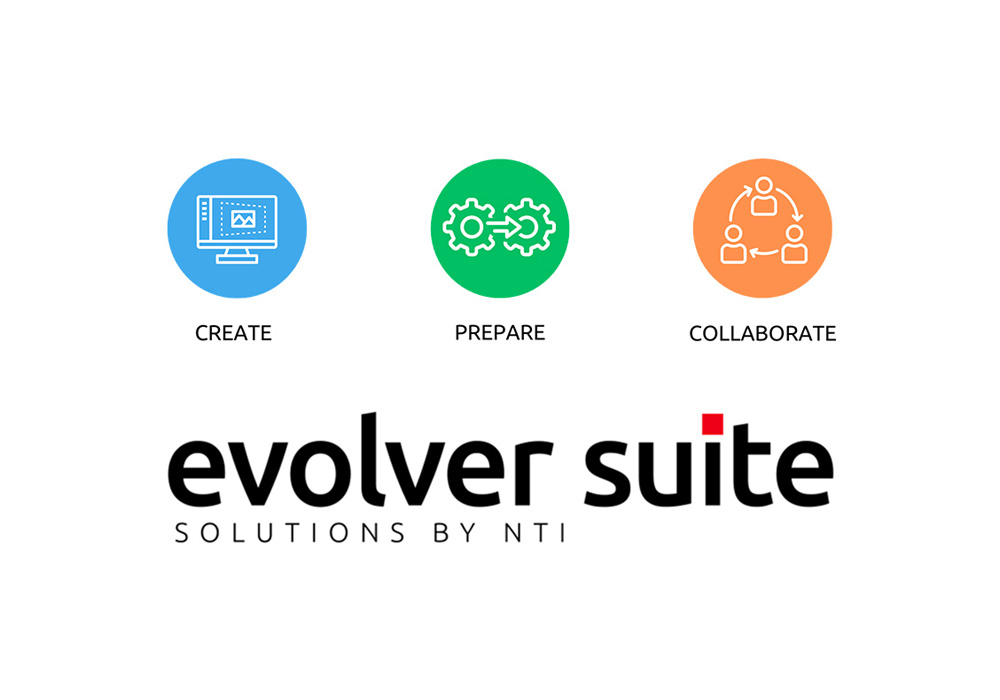
NTI FOR VAULT - part of EVOLVER SUITE
EVOLVER SUITE offers software solutions that support and develop your business processes and workflows within three phases: Create, Prepare and Collaborate.
Our selection of software solutions for industrial companies provides you with unique opportunities to optimise your processes, designs and data quality.
EVOLVER SUITE is designed to support your digitalisation journey and is suitable for companies seeking tools that simplify processes, reduce manual work and enable smarter decision-making.