Autodesk 3ds Max
Powerful features for 3D modelling and rendering for design visualisation, games, and animation.
Book a demo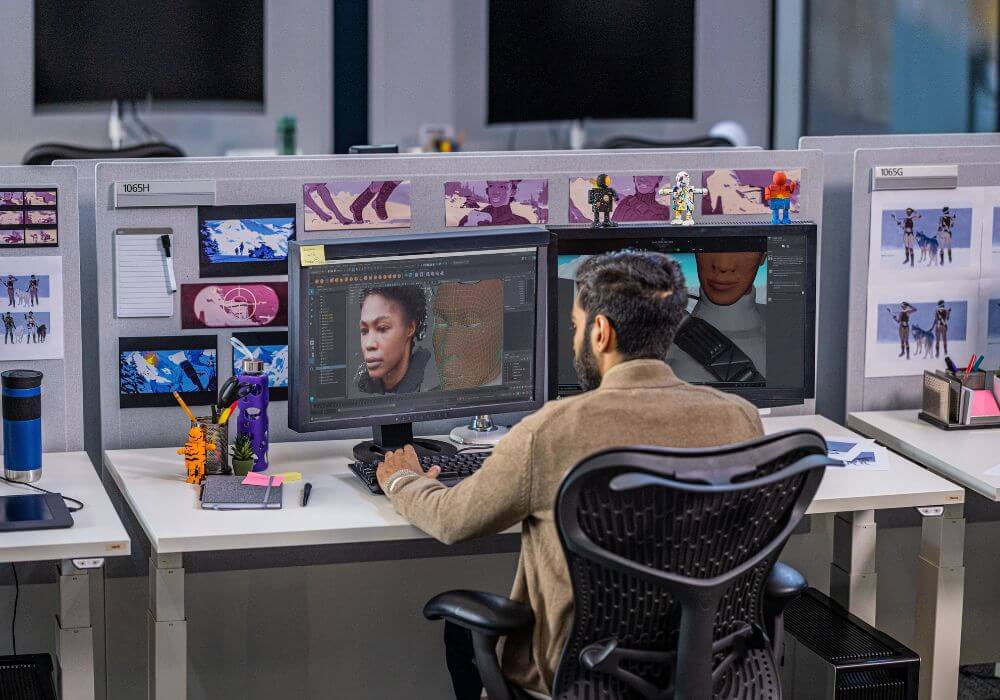
Key features
- Retopology Tools: Automatically recreate polygonal meshes with precise quad-based topology.
- Modifier Stack: Explore and enhance your design ideas with non-destructive modifiers.
- Interactive Viewports: Preview PBR materials and camera effects directly in the viewport.
- High-Quality Materials: Create realistic objects with physically-based rendering and advanced texture baking.
- Material Switcher: Easily manage different material variants with just a few clicks.
- Color Management: Ensure accurate colors and compatibility with other software.
- Arnold Renderer: Render complex scenes with Arnold directly in 3ds Max.
- File Formats: Easily share projects with support for formats like glTF, USD, FBX, and CAD.
- Customisable Interface: Work in a modern, flexible workspace that focuses on your creativity.
3ds Max in action



3ds Max demo, licence and pricing information
Are you looking for an Autodesk 3ds Max licence and want to know how much it costs or how to book a demo?
Pricing
Pricing varies based on the length of the contract and the number of licences requested. Costs may also fluctuate due to Autodesk pricing updates.
To receive a free quote with the updated price, fill out the form on the side and we will contact you as soon as possible.
Demo
Book a free demo with our 3ds Max experts. Fill out the form and we will contact you to schedule your demo.
Contact Us

Lee Phillips
Sales Director
+44 1483 410375